
App Settings allow users to review their profile, manage language and notification preferences, check sync information, view app details, access support information, and sign out when needed.
Opening App Settings
To open App Settings, open the App menu and select your profile icon 
The Settings area includes options such as:
-
- User Profile
- Personalise
- Change Language
- Troubleshooting
- Device
- Build Info
- Log Out
The exact layout may vary slightly depending on the App version and device being used.
User Profile
The User Profile area allows users to review information linked to their Intellect account.
About - you will find general user details, profile details, role information and contact details
Training - you will find relevant training journey statuses depending on what has been assigned to the user to complete.
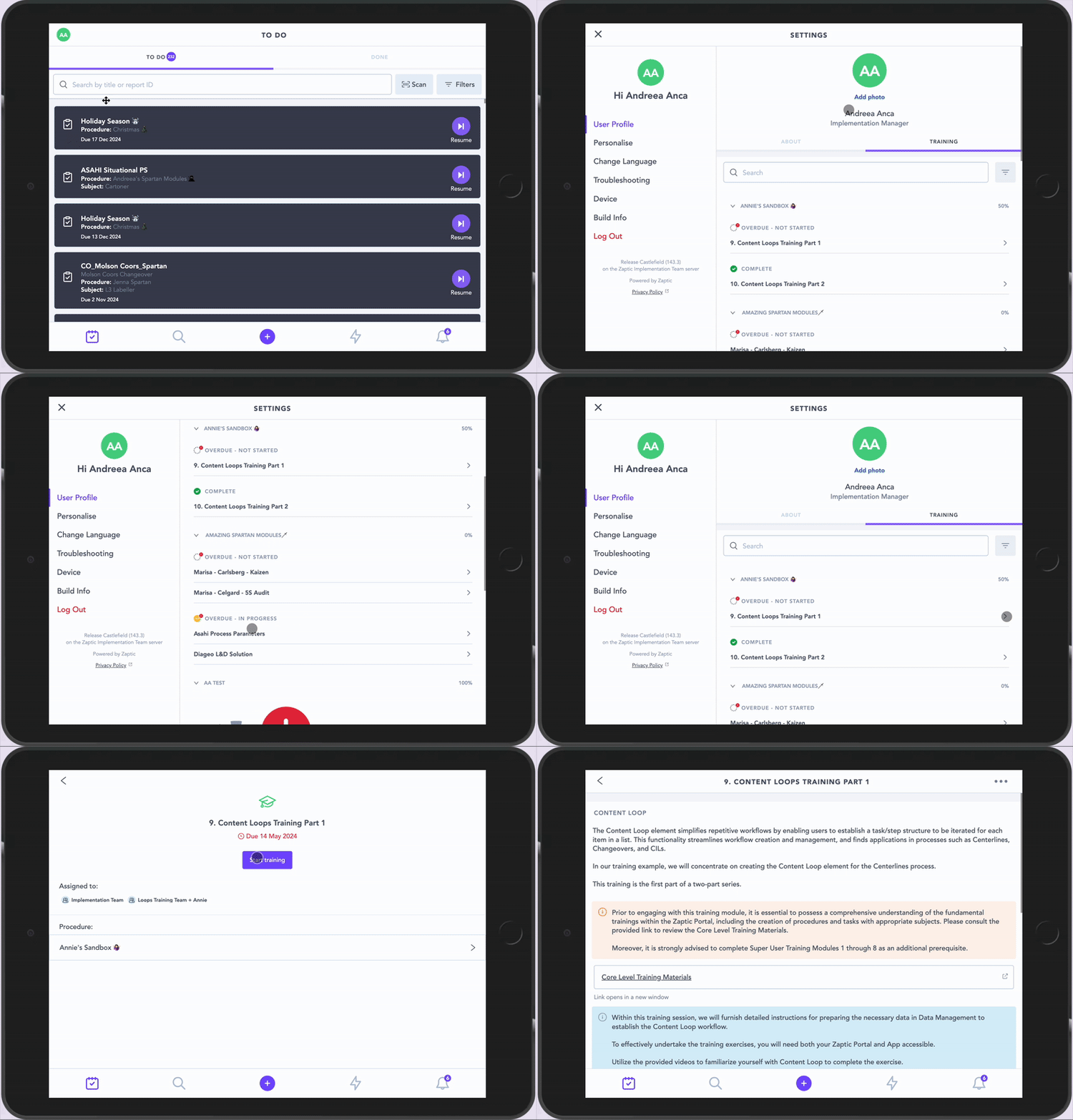
The User Profile is important because information held against the user can be used elsewhere in Intellect.
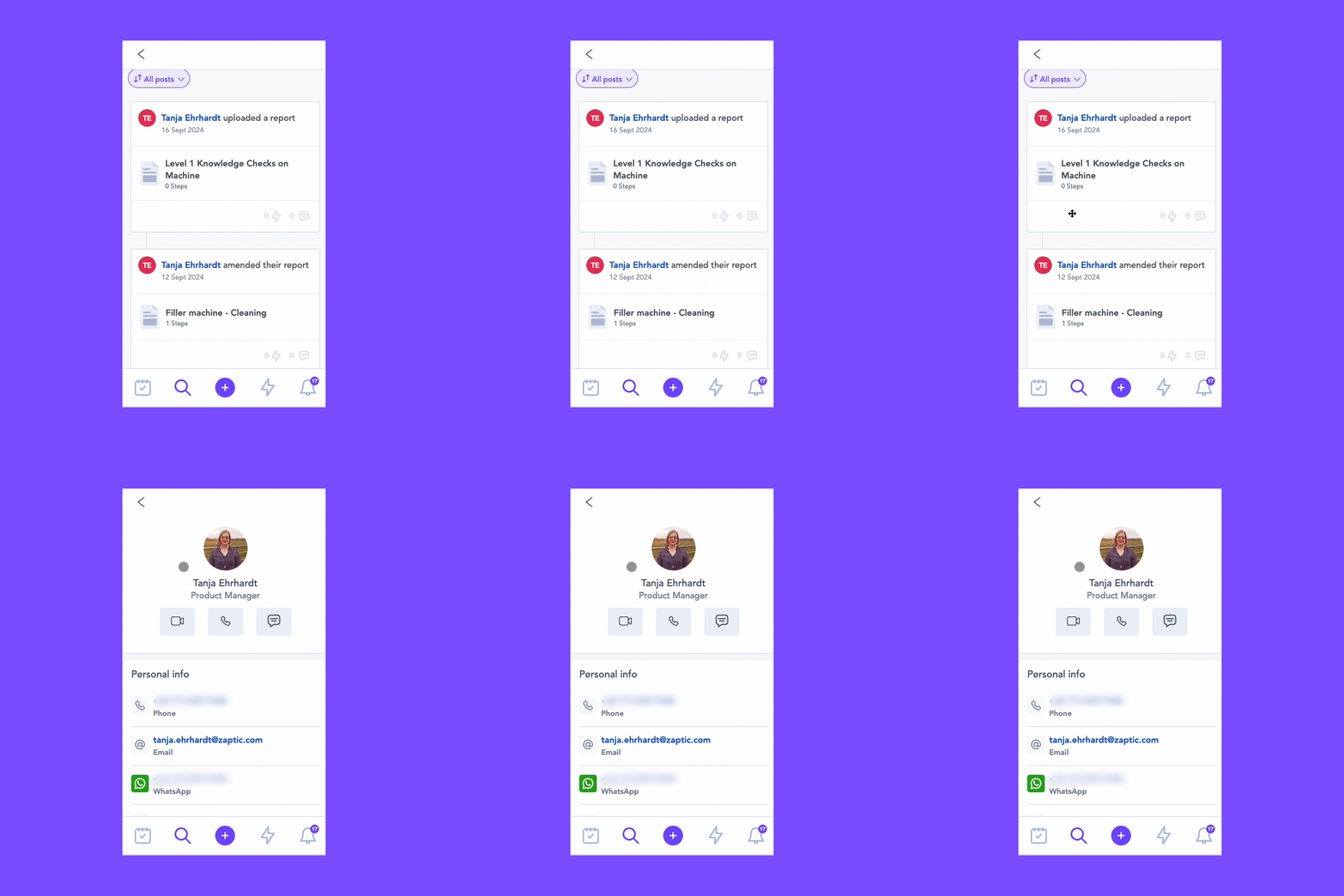
For example, if a user is assigned as an Expert against a Unit, their profile details help define how other users can contact them from the App.
This means user profile details should be kept up to date, especially for users who are listed as experts for equipment, areas, processes, or support functions.
Personalise
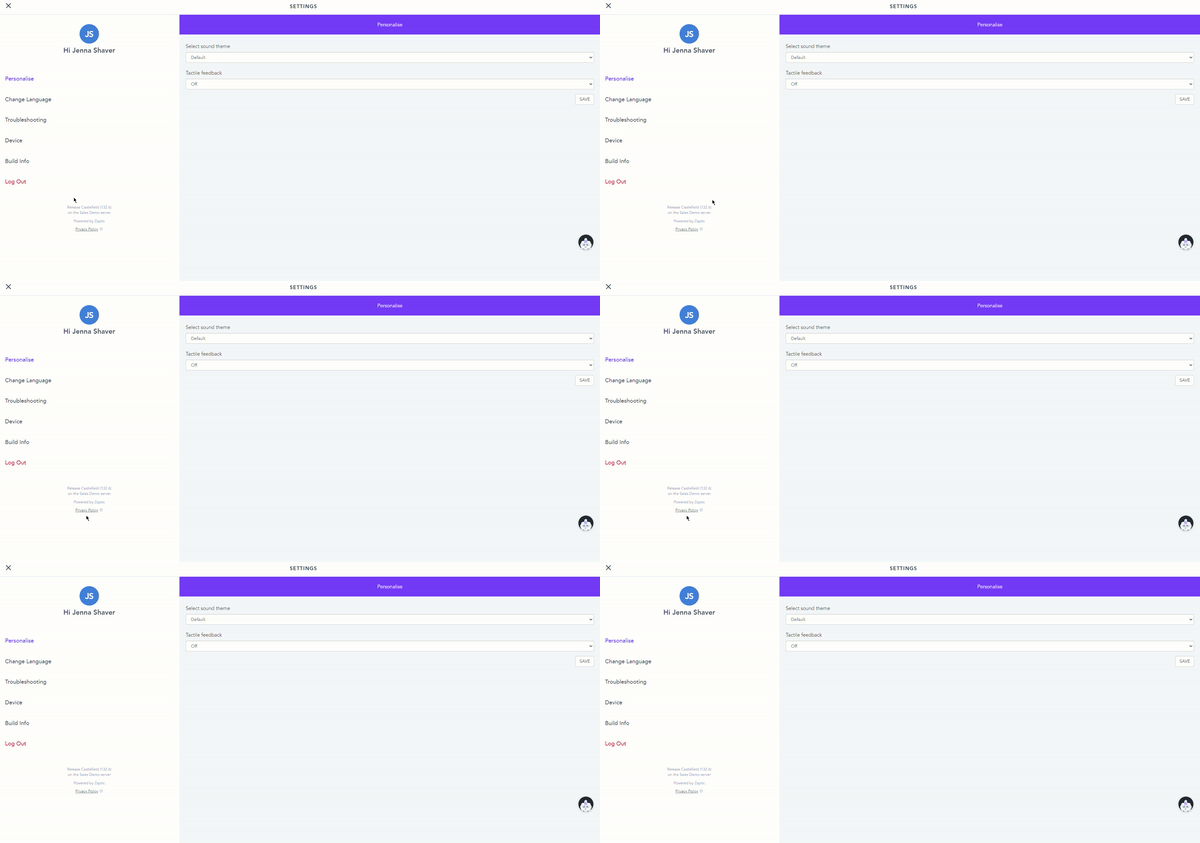
The Personalise area allows users to adjust parts of their App experience.
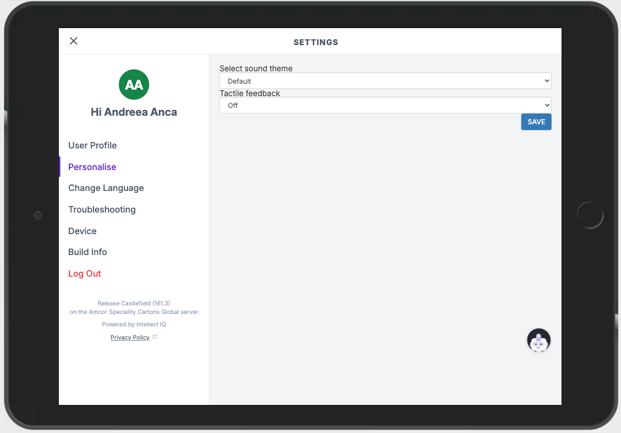
This may include options such as the sound theme and tactile feedback.
These settings affect how the App feels when the user interacts with it, but they do not change the user’s access, Tasks, Training, Reports, or permissions.
Change Language
The Change Language area allows users to change their preferred App language.
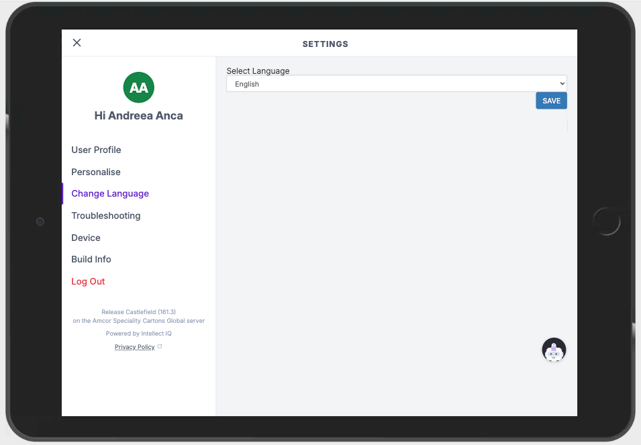
This helps users complete Tasks, Training, and Guides in a language they are more comfortable with, where translations are available.
Changing the App language affects the user’s App experience. However, Task, Training, or Guide content will appear in the language it was configured on unless also translated by the Super Users.
Troubleshooting
The Troubleshooting area helps users and administrators investigate common App issues.
This area may show information such as storage usage, unsynced Reports, support options, and sync data status.
It may also allow users to force a sync by pressing on the Sync Data information line.
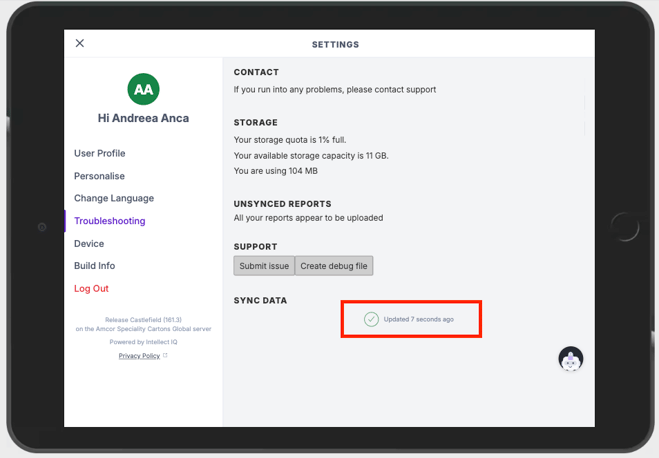
Troubleshooting is especially useful when users are working in areas with weak or intermittent connection. This is important because completed work is not fully available in the Portal, Boards, Timelines, or downstream reporting until it has synced successfully.
Device
The Device area contains settings linked to how the App behaves on the device.
This may include options such as logging out when inactive or reviewing the authentication URL used by the App.
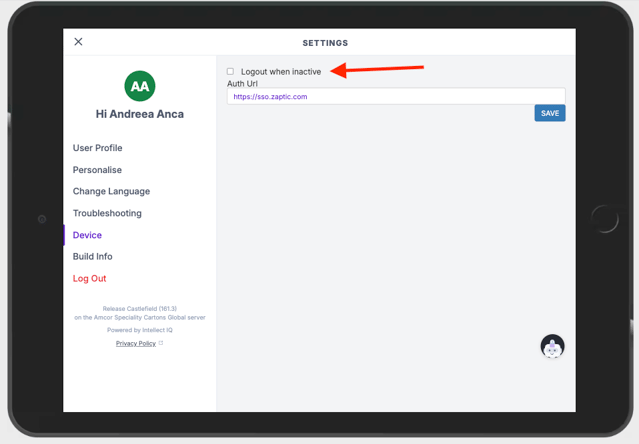
These settings are especially relevant for shared devices.
Example: On a shared shop-floor tablet, Logout when inactive may be enabled to reduce the risk of one user completing work under another user’s account.
The App version also shows which version of the Intellect App is installed on the device.
This is useful for troubleshooting and confirming whether the device is using the expected version of the App.
There is no separate icon needed for this. The important information is the version number shown in Settings.
Log Out
Users can log out of the App from Settings.
This is important when devices are shared between users or shifts.
Before logging out, users should check that any completed work has synced.
Automatic logout may also be configured and is recommended where shared devices are being used, to reduce the risk of users completing work under the wrong account.