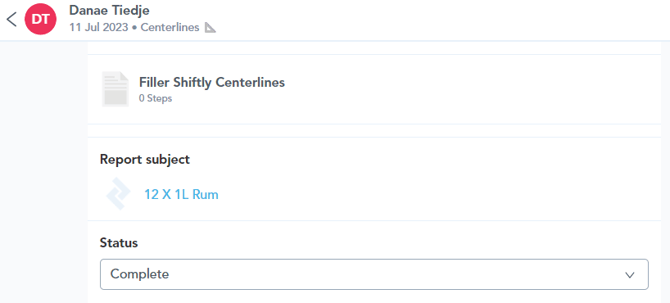
1. Report audit trails can be accessed on completion of a new report, by selecting a report from the done tab within the app (found on the to-do list page), or by using the unit search page to access completed reports against a given unit:
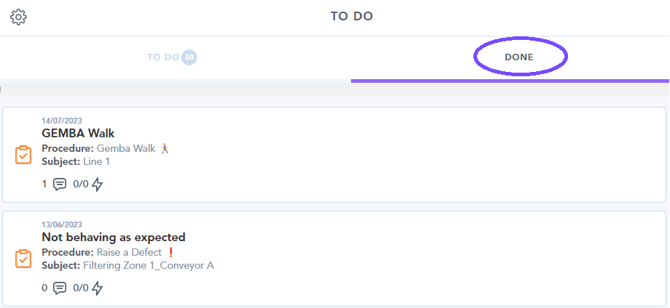
 Unit search method: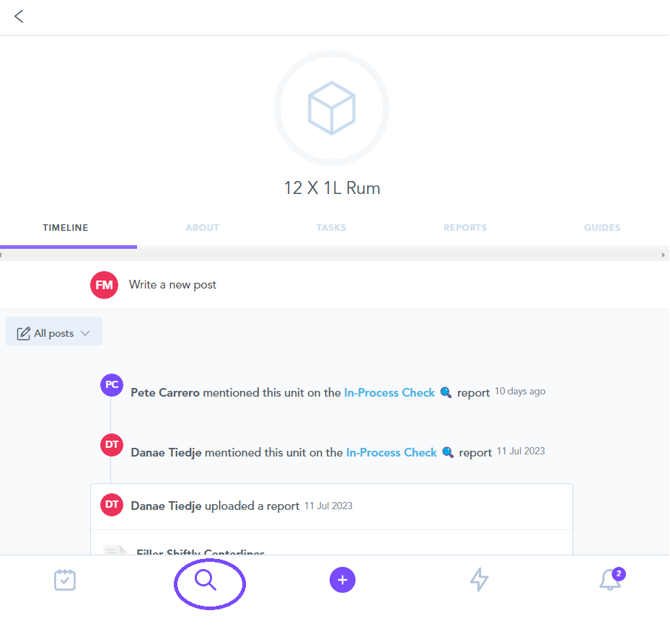
2. The report audit trail shows all actions and comments against the chosen report -
3. To view the details of the report, simply click the report image towards the top of the audit trail page as shown below. This bring up an overview of the report's contents:
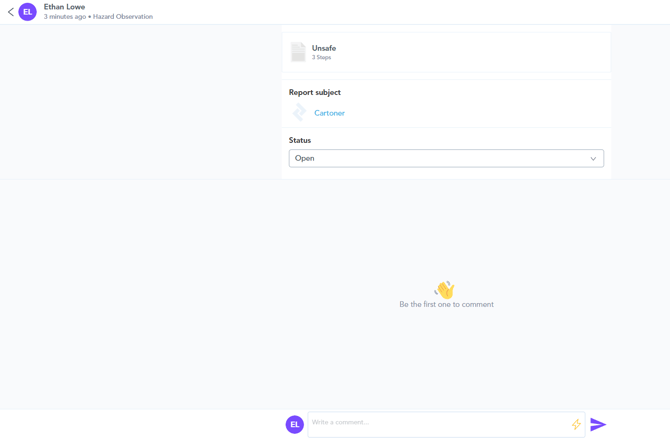
4. The audit trail populates with additional information as comments are added and actions are assigned. You can assign actions using the lighting-bolt icon found in the comment box: