What you need in order to be able to add teams to a procedure -
- Access to the Zaptic Portal through my.zaptic.com
- Procedure Management permissions within the portal
- You need to be a collaborator on the procedure you are adding teams to
How to add teams to a procedure
1. Access the Zaptic portal through my.zaptic.com
2. Navigate to the 'procedures' tab within the portal
3. Select the procedure you wish to add teams too
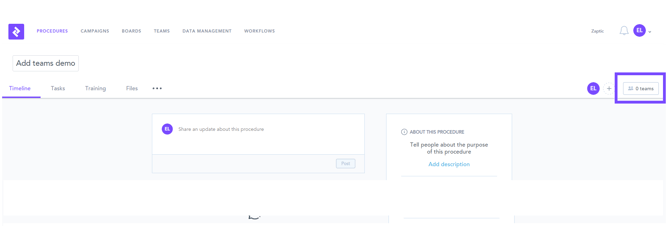
4. Navigate to the 'teams' button
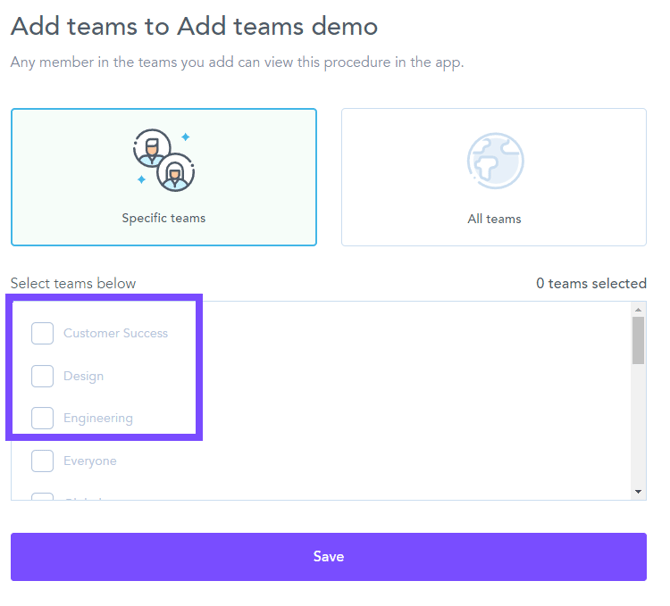
5. Choose the teams you wish to add, or select 'all teams', and then press the 'save' button: