
Within a Report, you will see this icon
Here you can raise an Action to a colleague or a Team member to follow up further. This may be by them completing a workflow themselves or investigating something further:
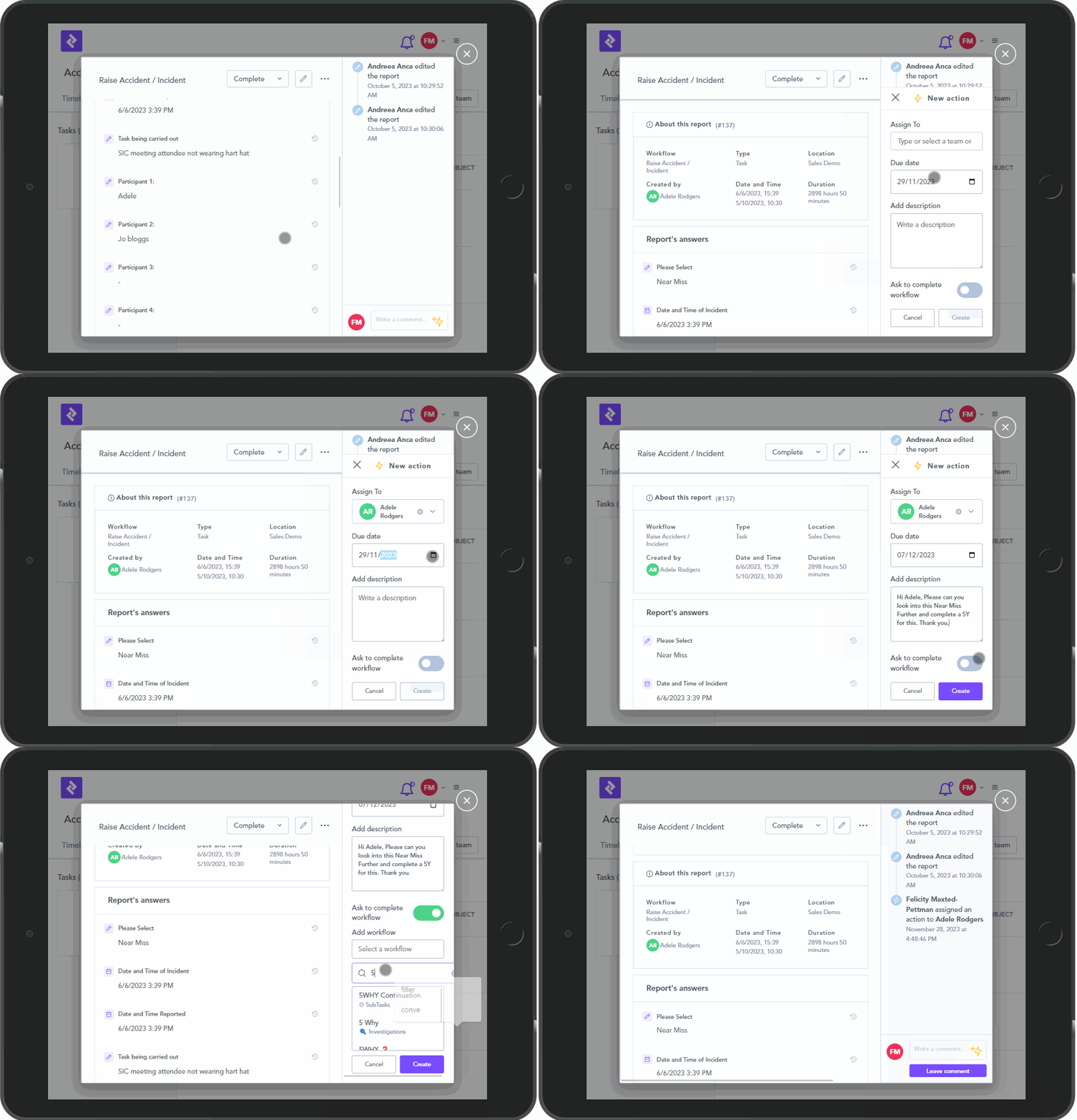
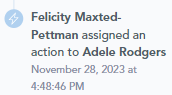
Once the Action has been assigned this will appear in the Report:
You will also see the status of this action within the Report:
