What you need in order to be able to create a new procedure -
- Access to the Zaptic Portal through my.zaptic.com
- Procedure Management permissions within the portal
How to Create a Procedure
1. Access the Zaptic Portal through my.zaptic.com
2. Navigate to the 'Procedures' tab across the top of the portal page:

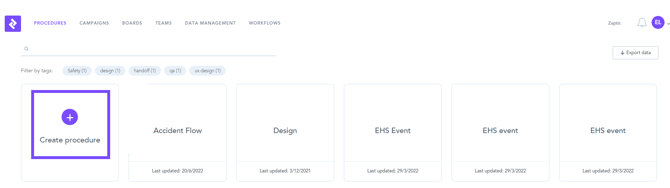
3. Select the 'Create new procedure' option found towards the top-left of the procedures page:
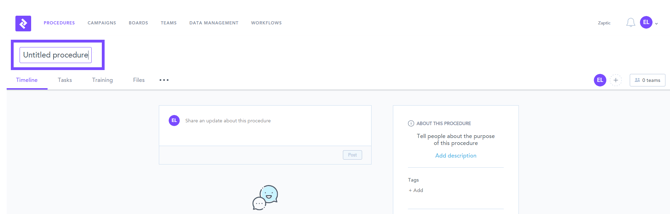
4. Add a title:
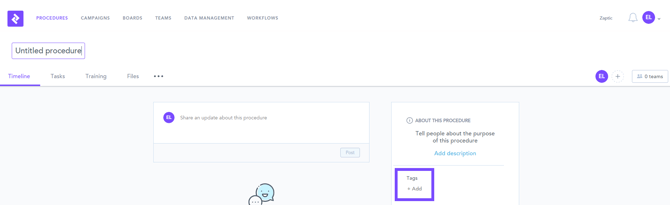
5. Add necessary tags to the procedure: