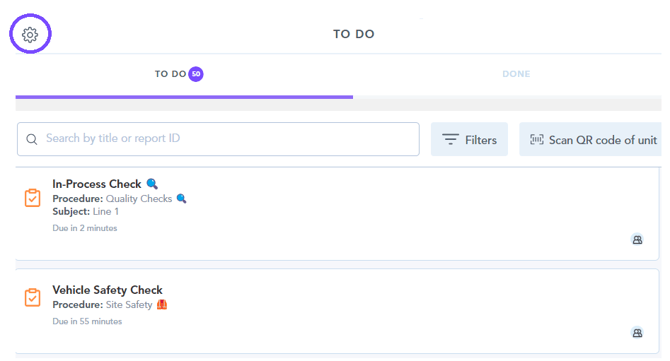
1. Firstly you need to navigate to the settings cog found at the top-left of the to-do list page within the Zaptic App -
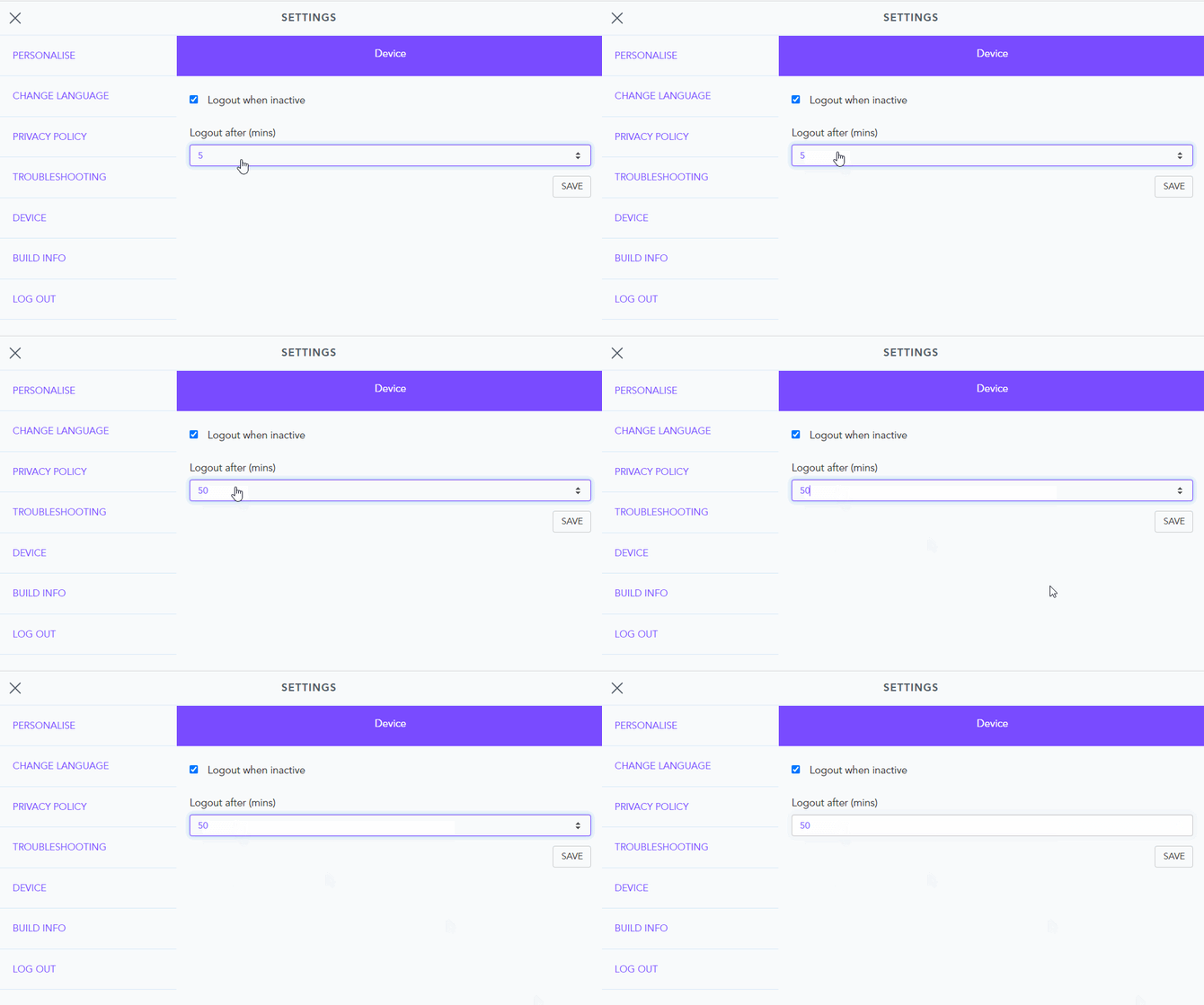
2. Select the device section, and from there you can enable log-out when inactive. Be sure to hit the save button found to the right of this selection.
After selecting, you can choose the period of inactivity after which you wish to be logged out -