
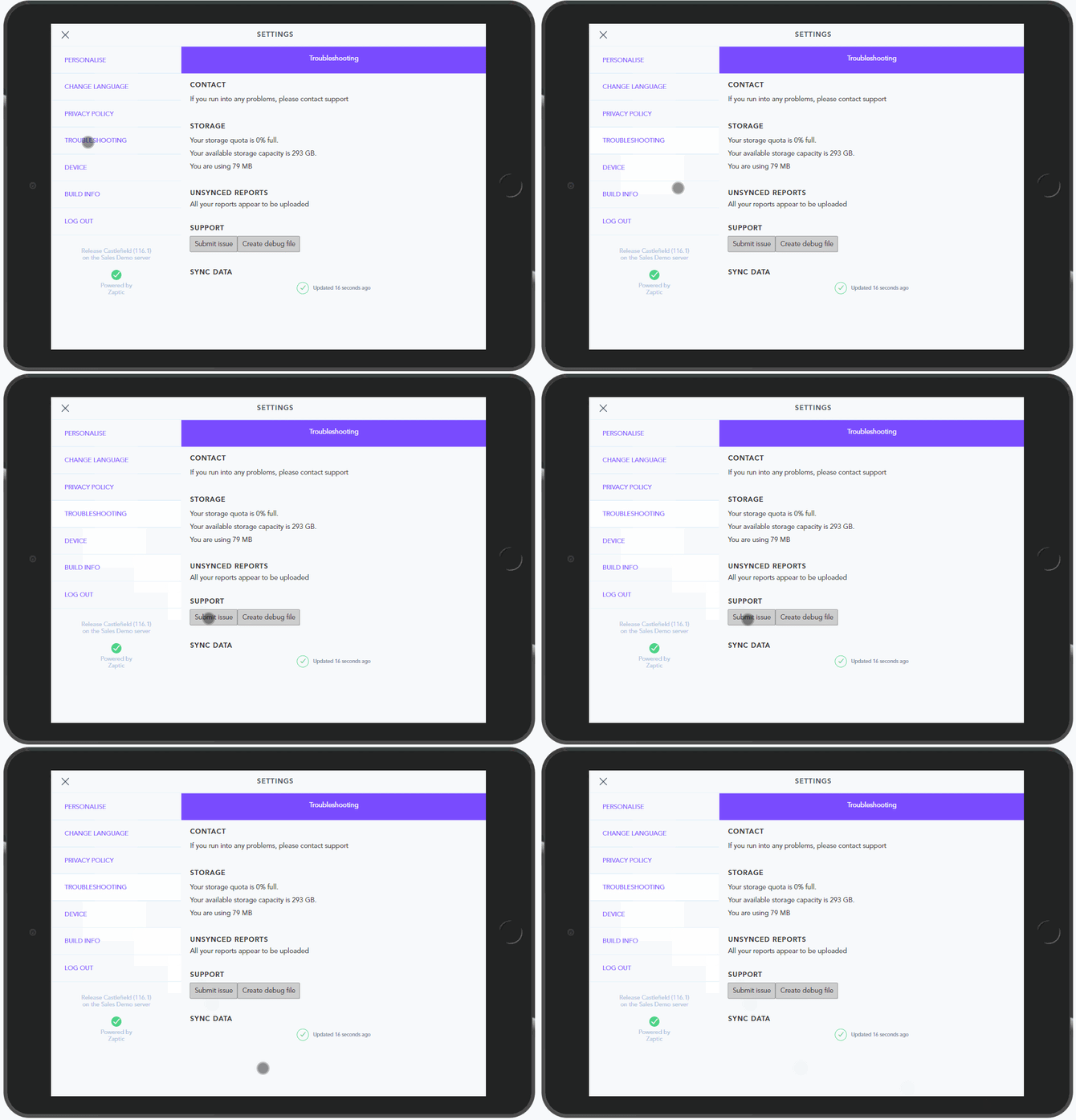
Within the App you can Submit an Issue by going to the Settings>Troubleshooting and clicking on 'Submit Issue':
Alternatively please raise a Support ticket with Zaptic by emailing helpdesk@intellect.com.
When raising a support ticket, please include as much of the below information as possible:
- User email
- Date and time of issue
- Zaptic Server (Your company name and location)
- Procedure name
- Task/Workflow name
- Device type
- App Version
- Does this happen on Wi-Fi, your mobile phone network, or both?
- Description of issue
- Any relevant screenshots/videos