What you need to be able to export data from the procedures page -
- Access to the Zaptic Portal through my.zaptic.com
- Procedure Management permissions within the portal
How to export data from the procedures page
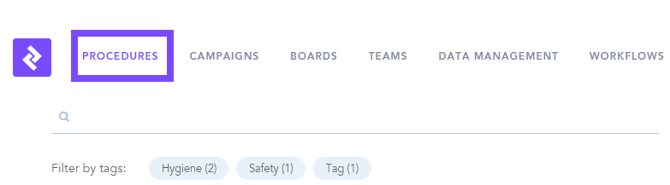
1. Navigate to the procedures page in the Zaptic portal, which can be accessed through my.zaptic.com:
2. Select the export data button:

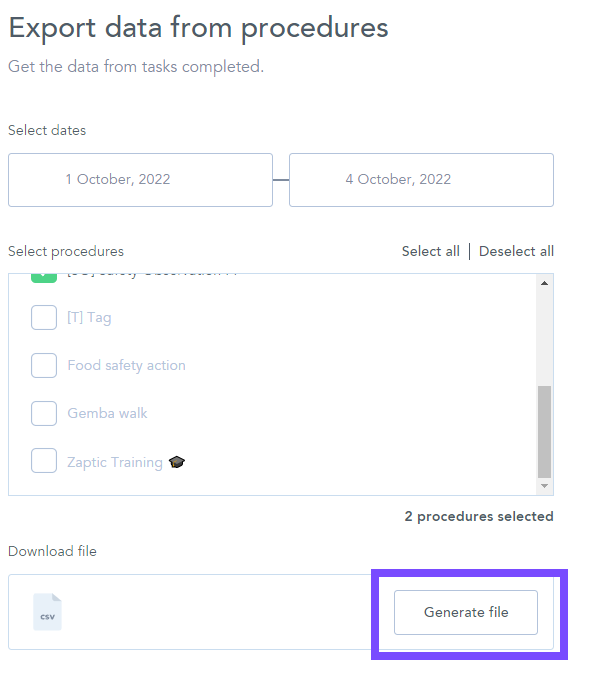
3. From here you can select a data range and the procedure(s) from which you wish to export data:
4. Once selected, press generate file to export the data: