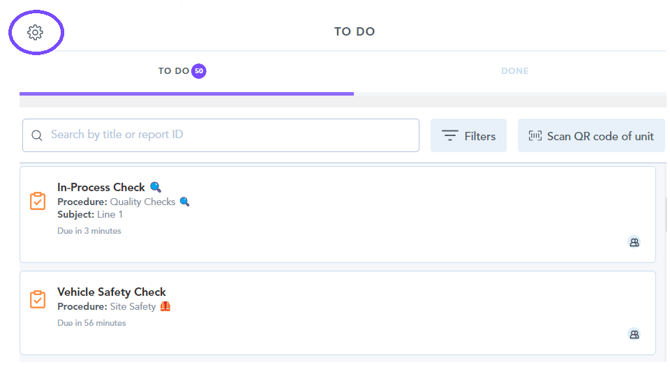
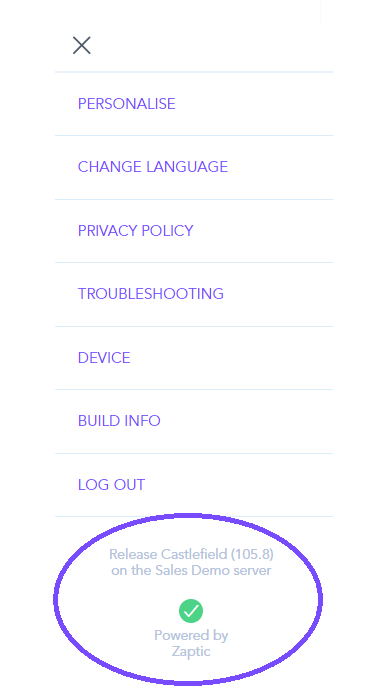
How to find which Zaptic app version you are using 1. From within the app, navigate to the settings cog in the top left corner of the to-do list page - 2. The app version can be found at the bottom of the settings menu -