
Released on 11/05/2026
Welcome to the latest release of Intellect IQ! Our theme for this release is saving you time and effort creating and distributing tasks - imagine achieving what once required many steps now with just a single process!
Continue reading to discover what we’ve prepared for you in this version.
What's New and Exciting
Build flows from files and guides using AI
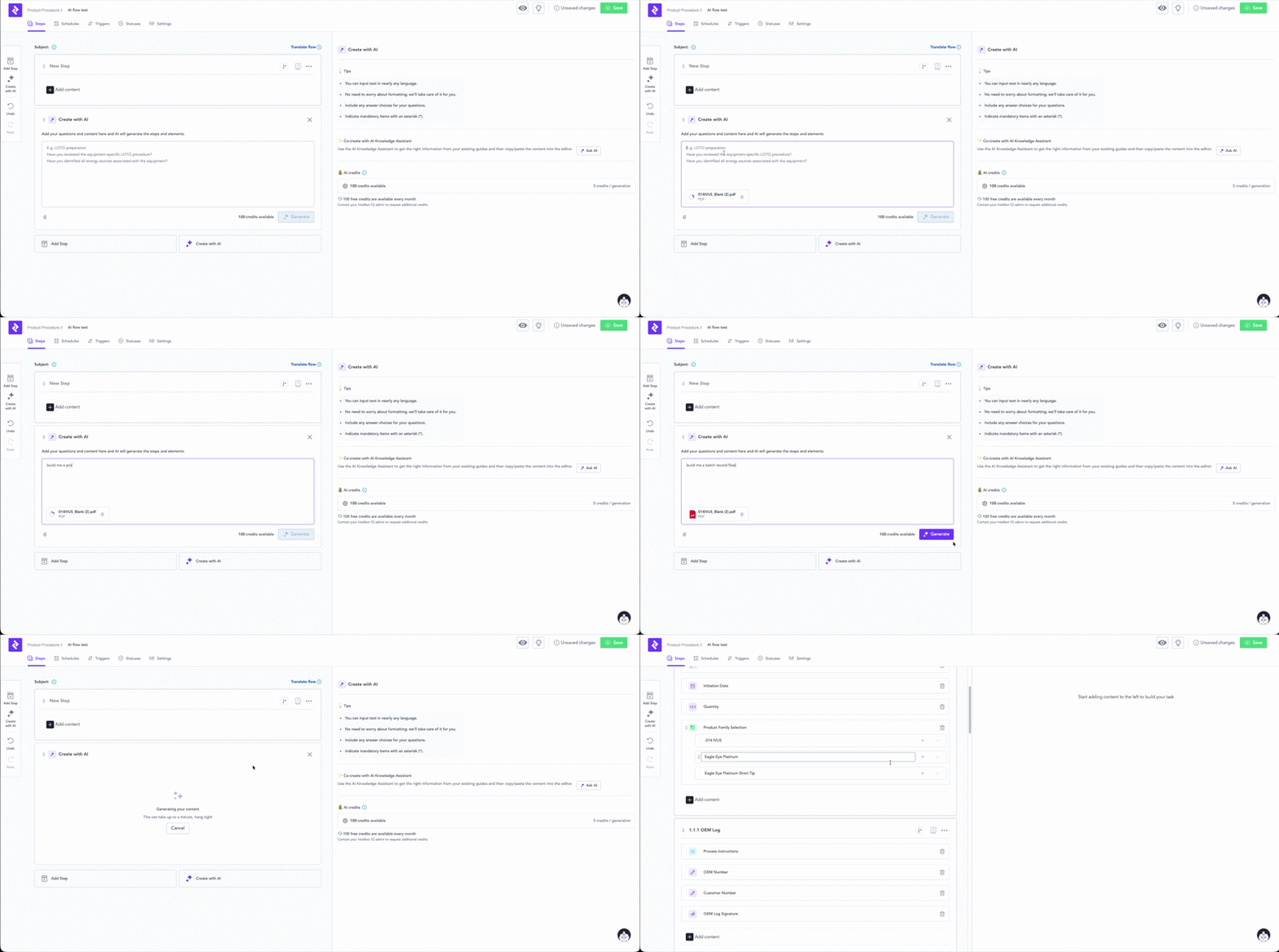
You can now upload files directly into Flow Builder — PDFs, PowerPoints, Excel sheets, images, videos and guides— and Intellect IQ will extract what's useful and turn it into flow content. Images get embedded, video transcripts become step instructions. If you've got paper forms you wish to digitalise, scan them and we'll convert them into flows too.
Set time to “now” when filling in a date/time in the app
For tasks that are filled in gradually over time, keeping Date/Time fields accurate meant manually wrestling with the date picker — fiddly at the best of times, especially on tablets. A new "Now" button next to each Date/Time field sets it to the current time instantly.

Updated date format in portal and app
03/04/25 means different things depending on where you are. Date fields now display in an unambiguous format — Apr 3, 2025 — so there's no room for confusion.
Submission details on reports
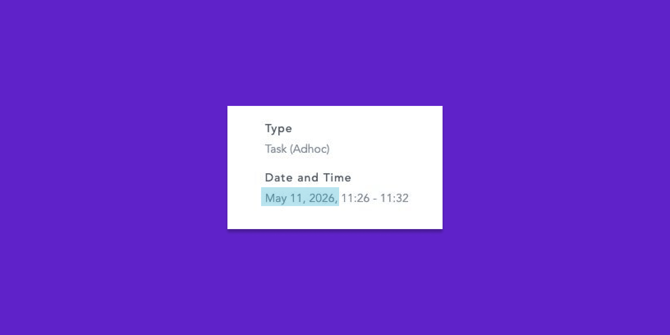
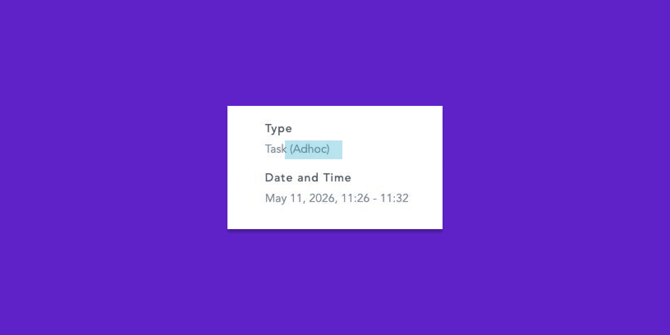
Submission method is now shown directly on the report, making it easy to self-serve troubleshooting and validate integration behaviour without support involvement.
Fixes
The following fixes have been fixed as part of this release:
-
Video controls (pause, seek, full screen) not present.
- Unit table in data management breaks if unit name is parsable into a date.
- When an excluded user from a schedule is removed from the team, they remain excluded on the schedule causing unexpected server errors on flow authoring.
- Unit select/subject select scan feature not fetching results - No results found.
- Setting up a QR code with a path to start an adhoc workflow with the unit pre-selected no longer works.
- Unit select - advanced filters not working.