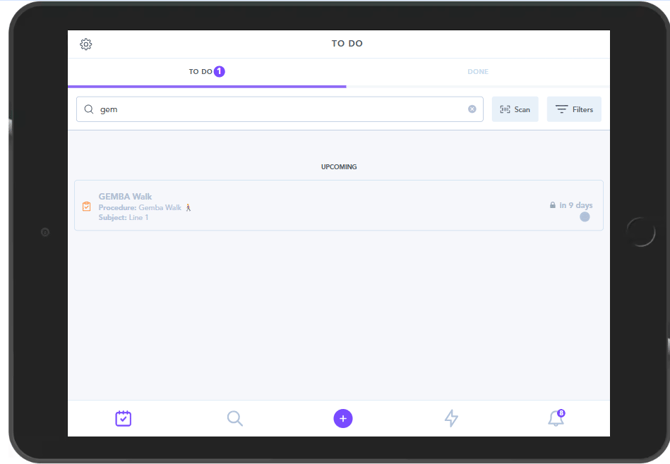
To start reports within the Zaptic App, you have the option of completing reports from your to-do list (which must be assigned to you via schedules) or completing reports ad-hoc.


If your site/team schedules tasks for you to be completed, you will see these in your to-do list and this should be the primary set of workflows you need to complete.
Certain types of tasks may need to be started ad-hoc, such as use-cases that include reporting hazards or damages you might see.
You can use the ad-hoc button to start these tasks, or for any unscheduled reports - for example if you believe a task is missing from your to-do list.
If you notice you are missing tasks that you understand should be scheduled for you and showing in your to-do list, please raise this with your line-lead or Zaptic Site PM, as you may need to be added to the correct team.