
Video released on 05/09/2023
Intellect App: Unit Search
Access the Search page using the  icon. On this tab, the user can:
-
- Search for, or barcode scan, a specific unit. If unit barcode scanning is activated, scanning a unit's QR code from this page will take you straight to its Unit content page.
- View unit timelines, attributes, and other unit-specific content or media.
- Start tasks from the unit page.
- Find procedure pages they have access to as part of their team.
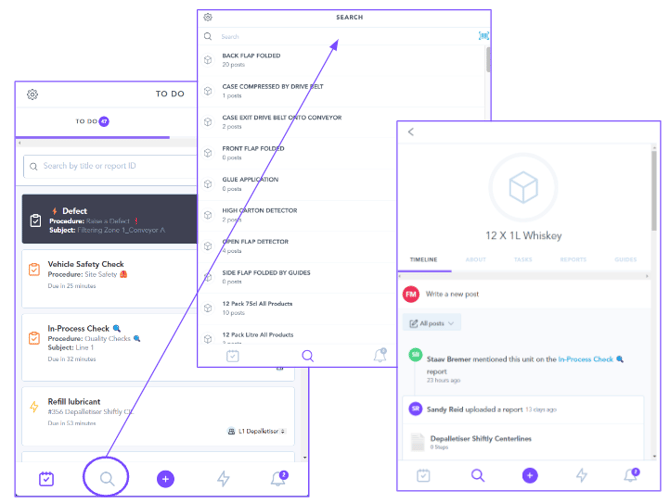
The Unit Content Page
The Unit content page can contain dedicated sections depending on the unit type:
-
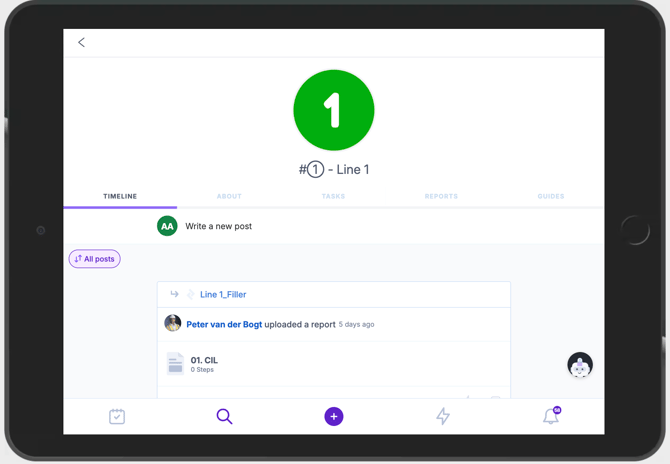
- Timeline — Review all recent events related to the searched unit: changes, updates, and reports submitted, as well as team communications and comments. The Timeline can be filtered by recent events, date, or collaborators, and cleared with "Clear all filters" once applied.
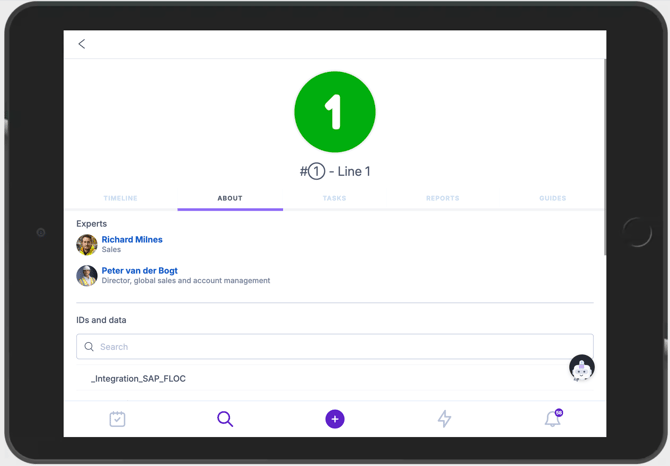
- About — Contains the Data Attributes and information about the unit, configured by SMEs in the Hierarchy in the Intellect Portal. This section also includes Call an Expert: users can nominate experts against a unit here, who can then be contacted directly from the shop floor (via email by default, or WhatsApp/phone or Teams if configured) to help troubleshoot or answer questions. Experts are accessible both from this tab and during task execution.
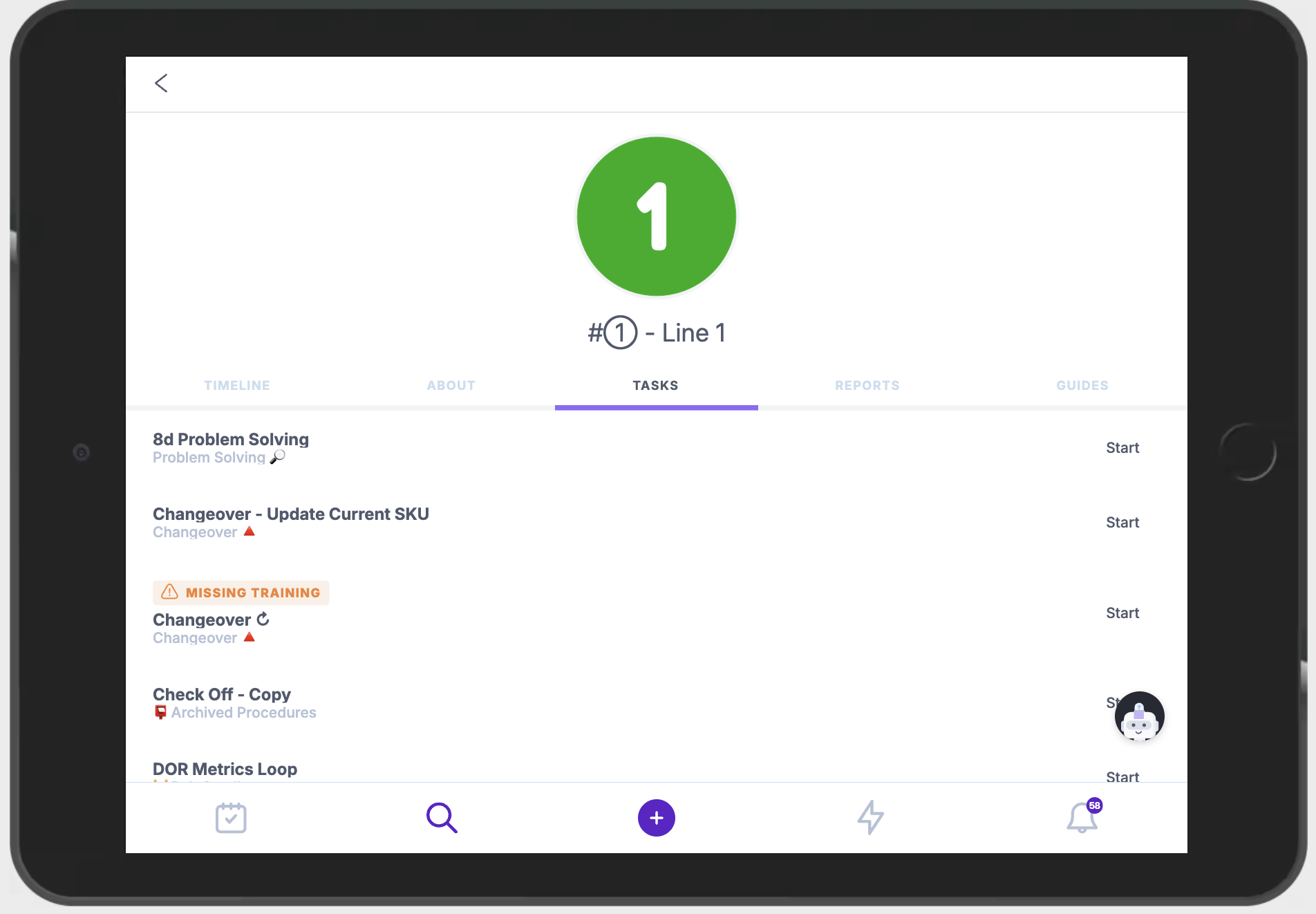
- Tasks — A quick view of all tasks related to the searched unit.
- Reports — Review previously submitted reports and defects for the unit.
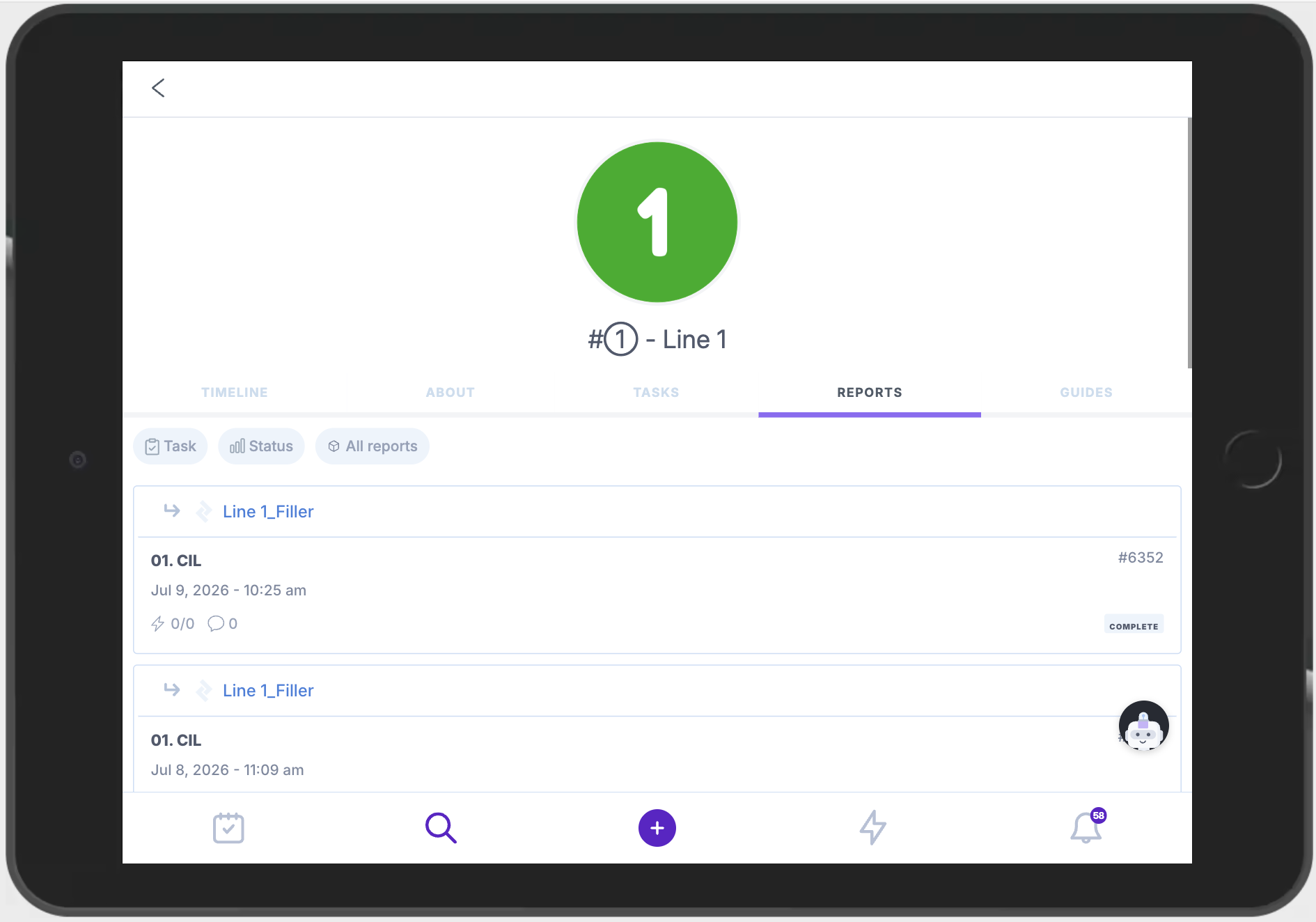
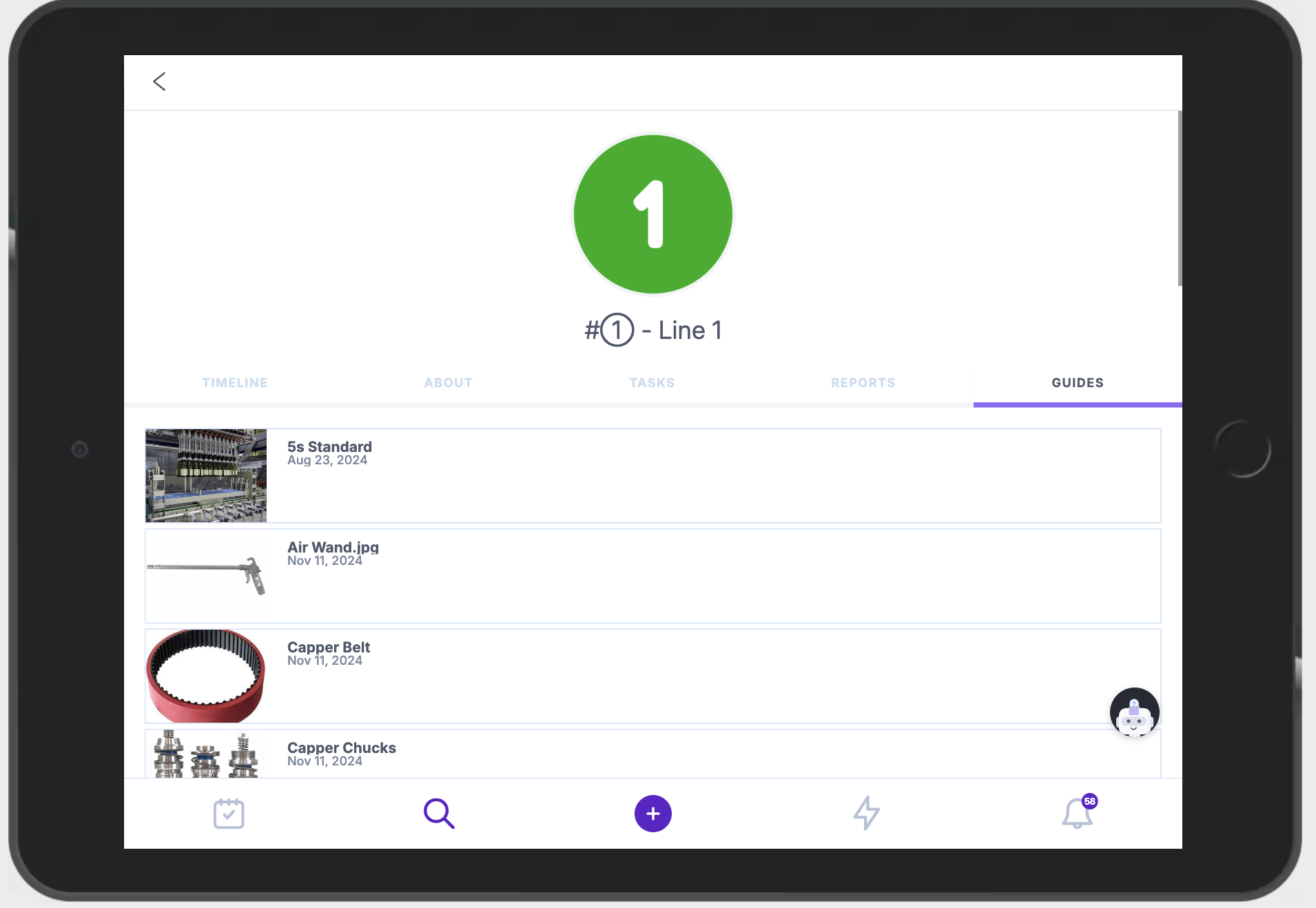
- Guides — Review all documentation created or provided for the unit, including OPLs and documents that show "what good looks like." Guides can be filtered by tag, the same way as in the main Procedures list.
- Timeline — Review all recent events related to the searched unit: changes, updates, and reports submitted, as well as team communications and comments. The Timeline can be filtered by recent events, date, or collaborators, and cleared with "Clear all filters" once applied.