Terminology:
- Defect/Tag
- Reporting an Abnormal condition outside of base expectation.
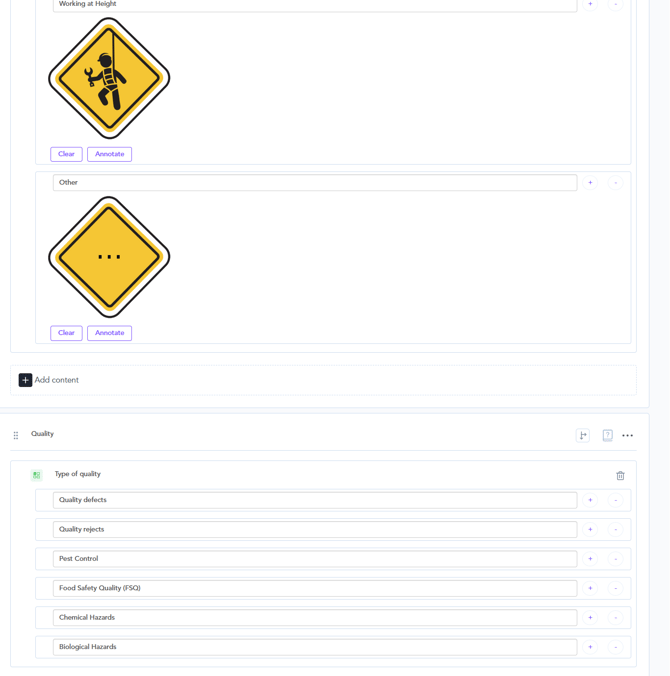
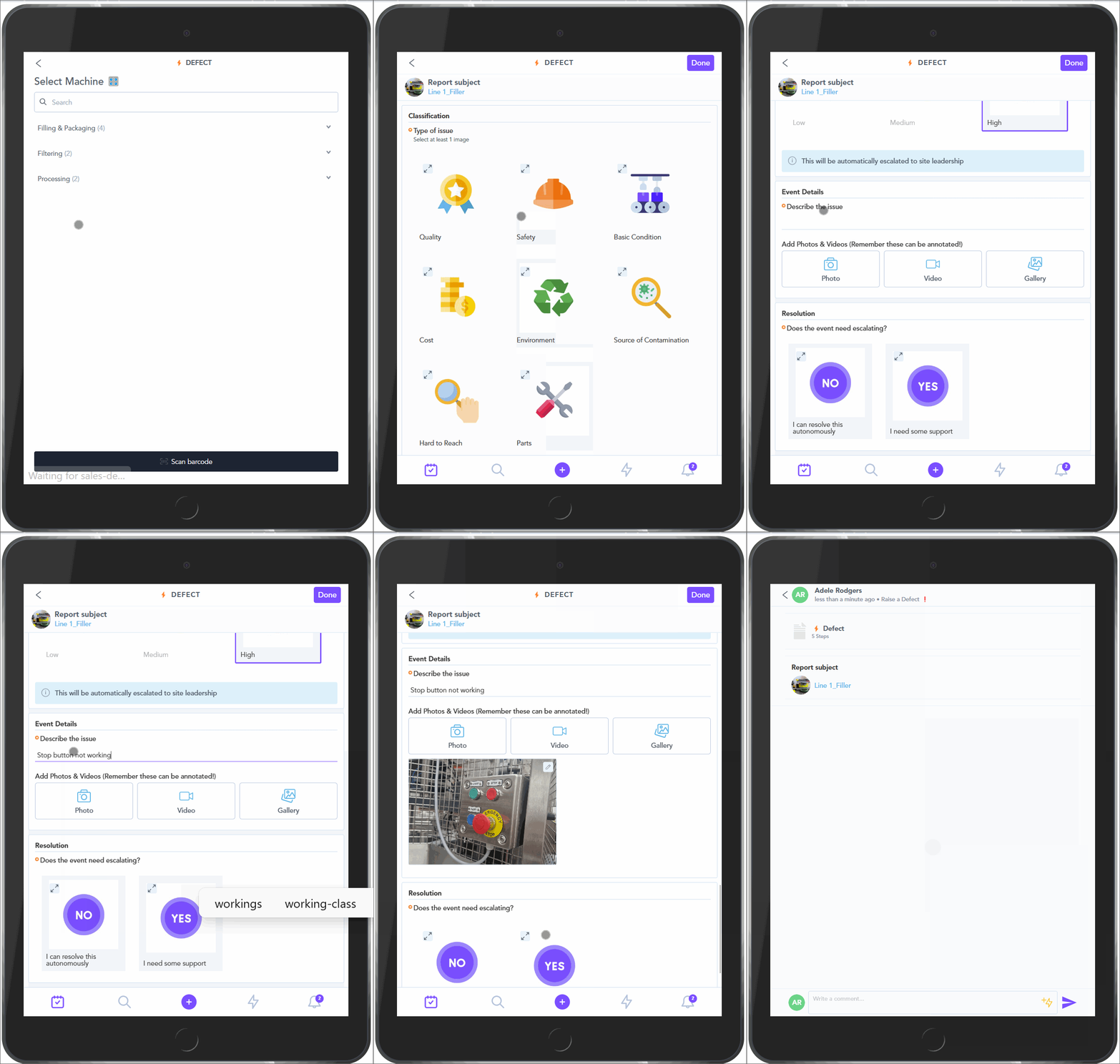
- Standard categories are Quality, Safety, Base Condition,Cost, Environment, Source of Contamination, Hard to Reach & Parts
- CBA
- Current Best Approach
- CIL
- Clean - Inspect- Lubricate
- CL
- Centerline
There are a few areas to consider when creating a Defect/Tag Flow within Zaptic:
- Zaptic is very flexible and customisable, so the creation of any flow, for any use case can be achieved in many different ways
- Using the theory you have learnt from the ZapU modules for building Tasks and Steps. You can begin to build out or modify your Defect/Tag flow
- Zaptic offers a CBA for Defect/Tag reporting, that is adopted by many clients as one of their first Use Cases. They can be modified easily to suit requirements.
Open Zaptic and go to Procedures:
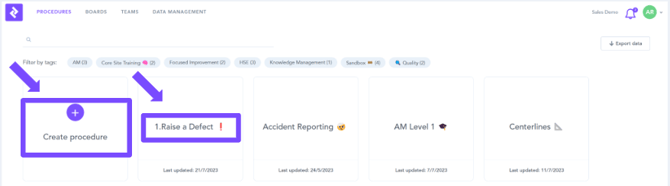
- Either create a New Procedure or open an Existing Procedure
- If you are creating a new Defect/Tag Procedure, select “Create procedure”
- If you are modifying an existing Defect/Tag Procedure, select the existing Defect/Tag procedure.
How the Defect/Tag flow current best approach (CBA) is built:
Creation of CBA Flow:
- By using image selects you can give the user simple choices at each step.
- Routings are applied to move the User to another part of the flow based on their selection.
- You access Routing with this button:

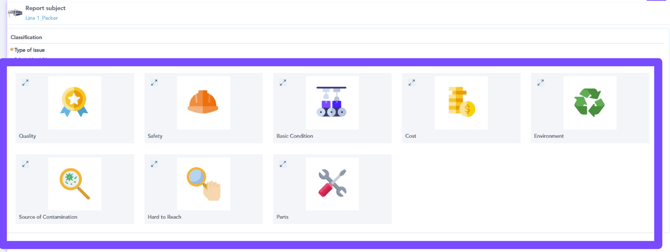
- The flow is built using many different elements.
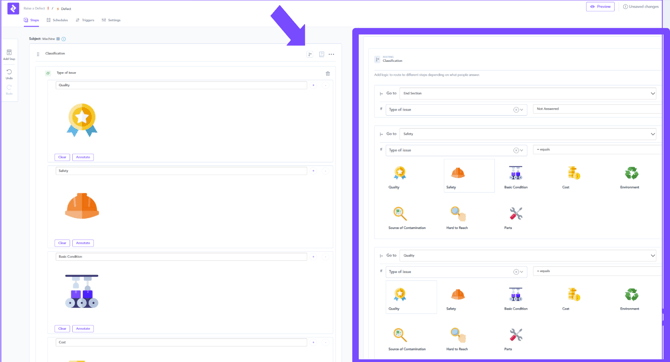
- It also uses Routings and Conditional Formats.
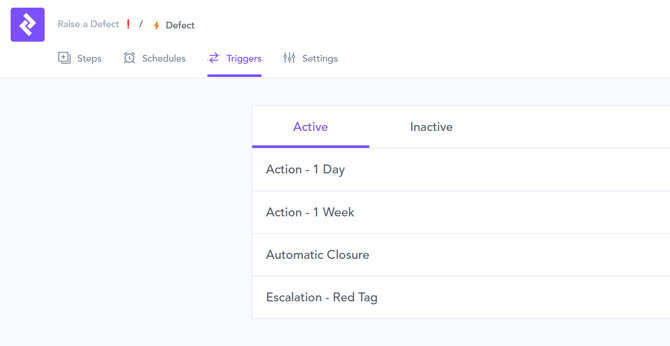
- Triggers are also applied, however, in the CBA there are no Schedules, as this flow is an Ad-hoc task, often embedded as a subtask within other scheduled flows like CIL or CL.